

















Microsoft Copilot
Reimagine the Way You Work with Microsoft AI
Writing, analysis, meeting summaries and automation: an AI assistant seamlessly integrated into your everyday tools, leveraging your business data to deliver relevant, contextualised insights and responses.
(Integrated with Microsoft 365 & Dynamics 365)
At a Glance
Understanding Microsoft Copilot
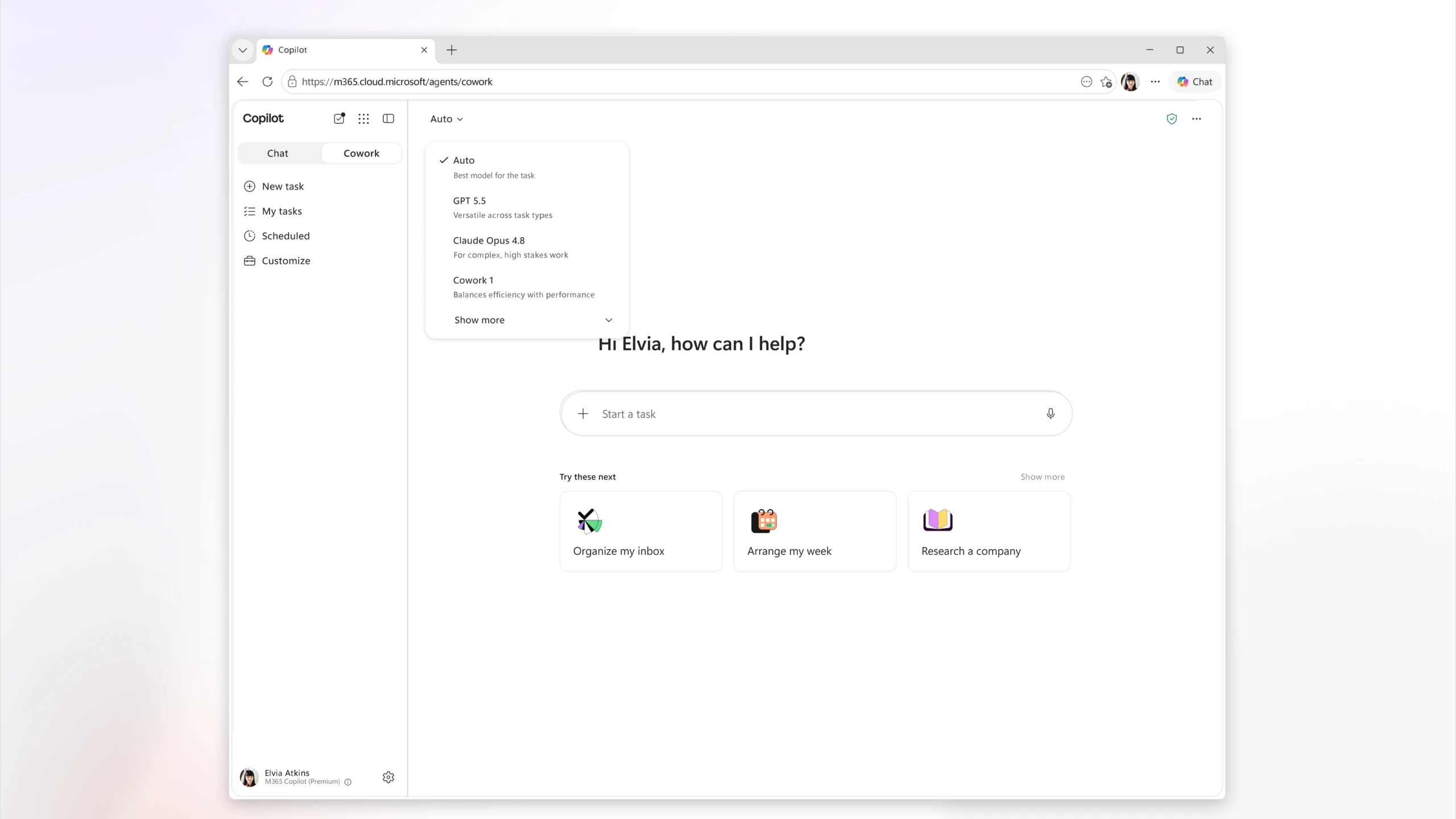
Artificial intelligence is transforming the way businesses work. With Microsoft Copilot, it becomes a true AI assistant integrated into your everyday tools, helping you save time, automate routine tasks and make faster, more informed decisions.
Directly integrated into the Microsoft ecosystem, Copilot supports your teams in their day-to-day activities by drawing on your data, documents, emails and meetings to deliver relevant, contextualised insights and responses. Microsoft’s latest innovations are now placing Copilot and AI Agents at the heart of business digital transformation.
Features
AI Embedded Across Your Microsoft 365 Environment
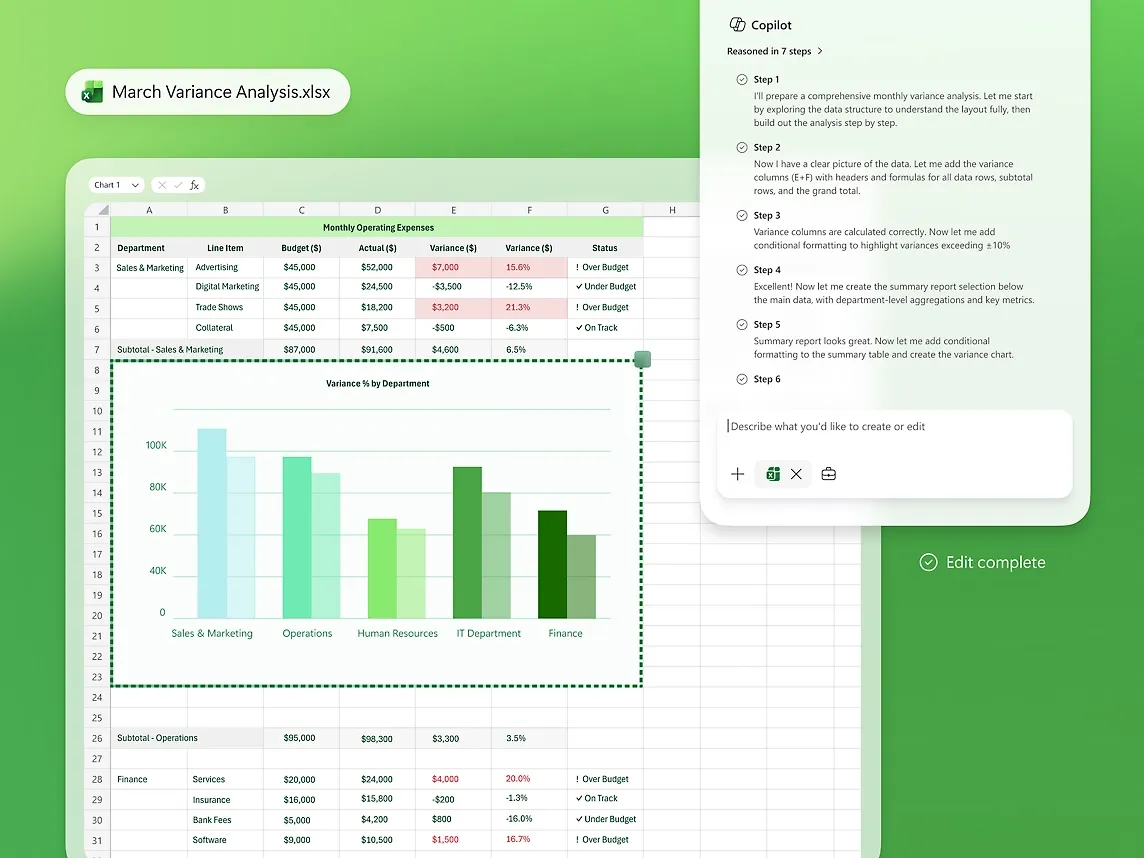
Unlike most AI solutions, Copilot works directly within the applications your teams already use, eliminating the need to adopt new tools or change existing workflows.With Microsoft Word
Turn a simple idea into a structured document, from the first draft through to the final version.
Content creation and refinement
Automatic summaries of lengthy documents
Rapid creation of professional-quality documents

Artificial Intelligence
More Than an Assistant: : The Era of AI Agents
Copilot no longer simply answers your questions – it can now carry out complete tasks on your behalf.What's New for 2025–2026
AI Agents
AI-powered assistants capable of automating processes, retrieving information across multiple systems, and carrying out selected business tasks autonomously.
An HR agent that answers employees’ frequently asked questions
A sales agent that automatically prepares for customer meetings
A finance agent that supports the financial close process
An AI agent connected to Business Central, supporting your teams in their day-to-day operations
Tailored to Your Business
Copilot Studio
Every business has its own unique processes. Copilot Studio enables you to design bespoke AI agents tailored to your specific requirements.
Connect Your Business Applications
Automate Your Internal Processes
Centralise your knowledge bases and document repositories
Create Department-Specific AI Assistants
Integrate Your AI Agents into Teams and Microsoft 365
Ecosystem
Copilot Connected to Your Business Data
The power of Copilot lies in its ability to understand your business context through secure connections to your systems and data sources.SharePoint

Outlook
Teams
Microsoft 365
Business Central
365 Sales

Power Platform
Power BI
Copilot draws on your documents, emails, meetings and business applications to deliver genuinely relevant responses, while strictly adhering to the permissions and security policies defined within your Microsoft environment.
ERP Integration
Copilot and Business Central: A Powerful Partnership
For users of Microsoft Dynamics 365 Business Central, artificial intelligence is already embedded at the heart of the ERP system.
Copilot helps users quickly find information, understand system features, analyse data and automate routine tasks. The latest releases also include AI Agents capable of handling specific business processes, such as order processing and document management, with greater efficiency and autonomy.
Combined with Microsoft 365 Copilot, Business Central integrates seamlessly with Outlook, Excel, Teams and PowerPoint, creating an even more connected and efficient work experience.
Trust & Compliance
Secure, Responsible and Governed AI
Your Data Remains Yours
Microsoft Copilot benefits from the same security, compliance and governance standards as the entire Microsoft 365 ecosystem. Your organisation’s data remains under your control and within your established compliance framework.
Access Permissions Are Fully Respected
Copilot does not create any backdoors into your data. Every response is generated in strict accordance with the permissions of the individual making the request. Employees will never be able to access information through Copilot that they are not already authorised to view.
Human-Supervised AI
New governance capabilities enable organisations to oversee AI usage, manage deployed AI agents and secure AI-generated content. DBE supports you from the very start of your project, helping you define the governance framework and rules best suited to your business.
Resources
Explore More Ways to Unlock the Value of Copilot
Two practical resources to help you introduce Copilot internally and gain a clear understanding of how AI is transforming everyday work. Slides · PDF
24 slides
Microsoft Copilot: Presentation Guide
The presentation deck we use during discovery workshops, covering role-based use cases, licensing options, prerequisites and deployment steps.
Word, Excel, Outlook and Teams Use Cases
Copilot Licensing Comparison
Data Readiness Checklist
Replay · Webinar
38 min.
Copilot in Action: Real-World Use Cases
A consultant-led demonstration showcasing real-world use cases, from document creation with Copilot through to AI Agents seamlessly connected to Business Central.
Live Demonstration in Microsoft 365
An AI Agent Applied to a Real-World Business Scenario
Q&A Session with Our Experts
The DBE Approach
Why Choose DBE for Your Copilot Project?
Adopting artificial intelligence goes far beyond purchasing a licence. To deliver meaningful business value, AI must be aligned with your processes, your teams and the business applications that support your daily operations.
As a Microsoft partner specialising in Dynamics 365 and Business Central solutions, we focus on your real-world business use cases rather than delivering a generic demonstration.
Our goal is simple: to turn AI into a genuine driver of performance and business value for your organisation.
Our Approach
Selection of the Most Appropriate Licensing Options
Identification of High-Value Use Cases
User Training
AI Governance
Creation of Business-Specific AI Agents
Integration with Your Existing Microsoft Environment
Contact
Let's Discuss Your Project
Ready to Bring AI into Your Everyday Work?
Discover, through your own use cases, the value Microsoft Copilot can bring to your teams. Our experts will provide a tailored demonstration and help you scope your first AI Agents.
FAQ